What does it
need to do?
Start with use, setting, scale and the person interacting with the object. The first output is a short brief with priorities and constraints.
- Use and placement
- Reference objects
- Project constraints
Objects, fixtures and small systems for considered spaces.
We turn an early object idea into a visual and technical direction that a maker can discuss, test and develop.
Discuss an object ↗Start with use, setting, scale and the person interacting with the object. The first output is a short brief with priorities and constraints.
Explore proportions, connections and material character together. Keep the unresolved parts visible rather than disguising them in a polished image.
Bring the agreed direction into a specification package for discussion with the appropriate fabricator or engineering specialist.
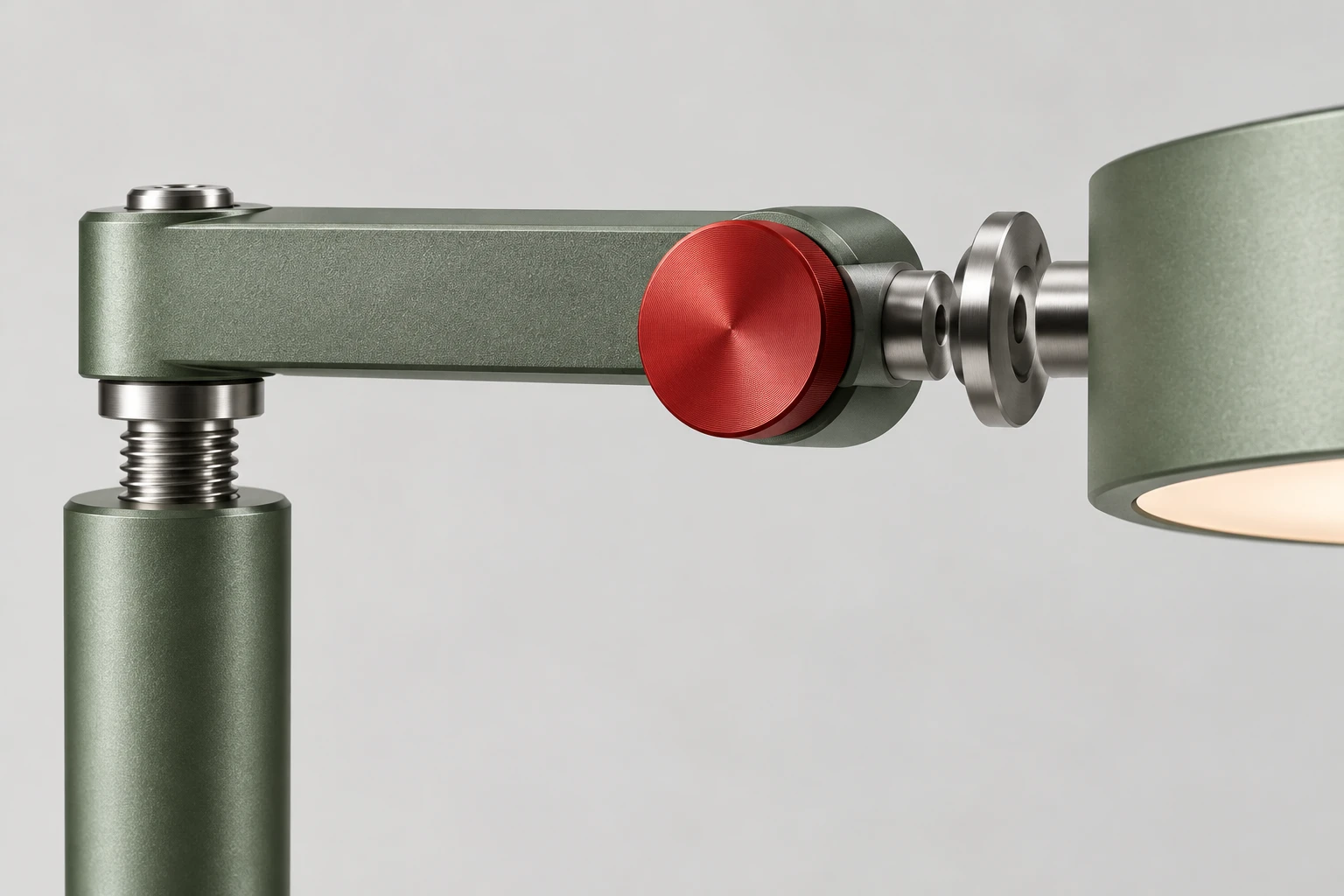
WM—01 demonstrates this design approach. Its generated images communicate form and finish. They do not establish dimensions, electrical safety, manufacturability or a finished bill of materials.
Those questions belong in the next stage of a real project, with qualified technical partners.
Open the assembly record ↗Sample workshop record. Replace every bracketed field with truthful business information.
Sample: Actual role in the workshop
Serving Sample: area since Sample: year
Sample: Tell the true story of your workshop: how it began, what you make and who you make it for.
Sample slot: add your own verified details.
Sample slot: add your own verified details.
Sample slot: add your own verified details.
Sample photo slots. Supply buyer-owned photos of your actual owner, team and work, with permission from everyone shown and permission to publish the work. No stock people. Replace each image’s alt description and caption when adding your photographs. The generated object artwork is illustrative, not evidence of real work.